How to Fix the “No ‘Access-Control-Allow-Origin’ Header” Error

On This Page
In this guide, you’ll learn how to instantly fix CORS errors when trying to access an API, understand why they happen, and compare solutions so you can quickly get back to building your website.
Access to fetch at 'https://example.com/' from origin 'http://localhost:3000'has been blocked by CORS policy: No 'Access-Control-Allow-Origin' header is presenton the requested resource.The “Access to fetch blocked by CORS policy” error in your browser console
Instant Fix (30 seconds)
Use Corsfix to instantly solve your “No ‘Access-Control-Allow-Origin’ header” errors. Simply add the proxy URL before your API calls, and you’ll be able to connect to the API without errors.
// instead offetch('https://api.example.com/data');
// use Corsfixfetch('https://proxy.corsfix.com/?' + 'https://api.example.com/data');
This solution works instantly in development environments (localhost) without any registration.
For live websites, set up your domain (takes 30 seconds), then your website can access the data without CORS errors.
Why do CORS errors happen?
CORS (Cross-Origin Resource Sharing) errors happen because the target API you’re trying to call does not return the CORS headers. Without these headers, your browser won’t be able to access that API’s data.
Access-Control-Allow-Origin: https://website.comThe Access-Control-Allow-Origin header
This header controls whether a website can access the API. However, not all APIs include this header, which is why the error happens in the first place.
Comparing Solutions
Using Corsfix CORS Proxy
With Corsfix, you can solve the “No ‘Access-Control-Allow-Origin’ Header” issues instantly by simply adding the proxy URL before your target API. Our server will relay your request and return it to you with the appropriate CORS headers, solving the errors.
// GET requestfetch("https://proxy.corsfix.com/?https://api.example.com/users")  .then((response) => response.json())  .then((data) => console.log(data));
// POST requestfetch("https://proxy.corsfix.com/?https://api.example.com/users", {  method: "POST",  body: JSON.stringify({ name: "John" }),  headers: {    "Content-Type": "application/json",  },});
Code example for fixing CORS error
Setting up your own backend
If you have access to the API server causing the CORS error, you would need to add the missing CORS headers:
Access-Control-Allow-Origin: https://your-website.comAdding CORS header for your own API
However, when working with APIs you don’t control, beside using Corsfix, you’d need to build your own proxy server.
This means you’ll need to handle your own infrastructure, manage different HTTP methods (GET, POST, PUT, DELETE), deal with authentication headers, ensure your server stays online 24/7, manage server hosting costs, SSL certificates, and ongoing maintenance.
Temporary Solution
A common solution people find when trying to fix CORS errors is using browser extensions to disable or unblock CORS. However, this is not suitable for production.
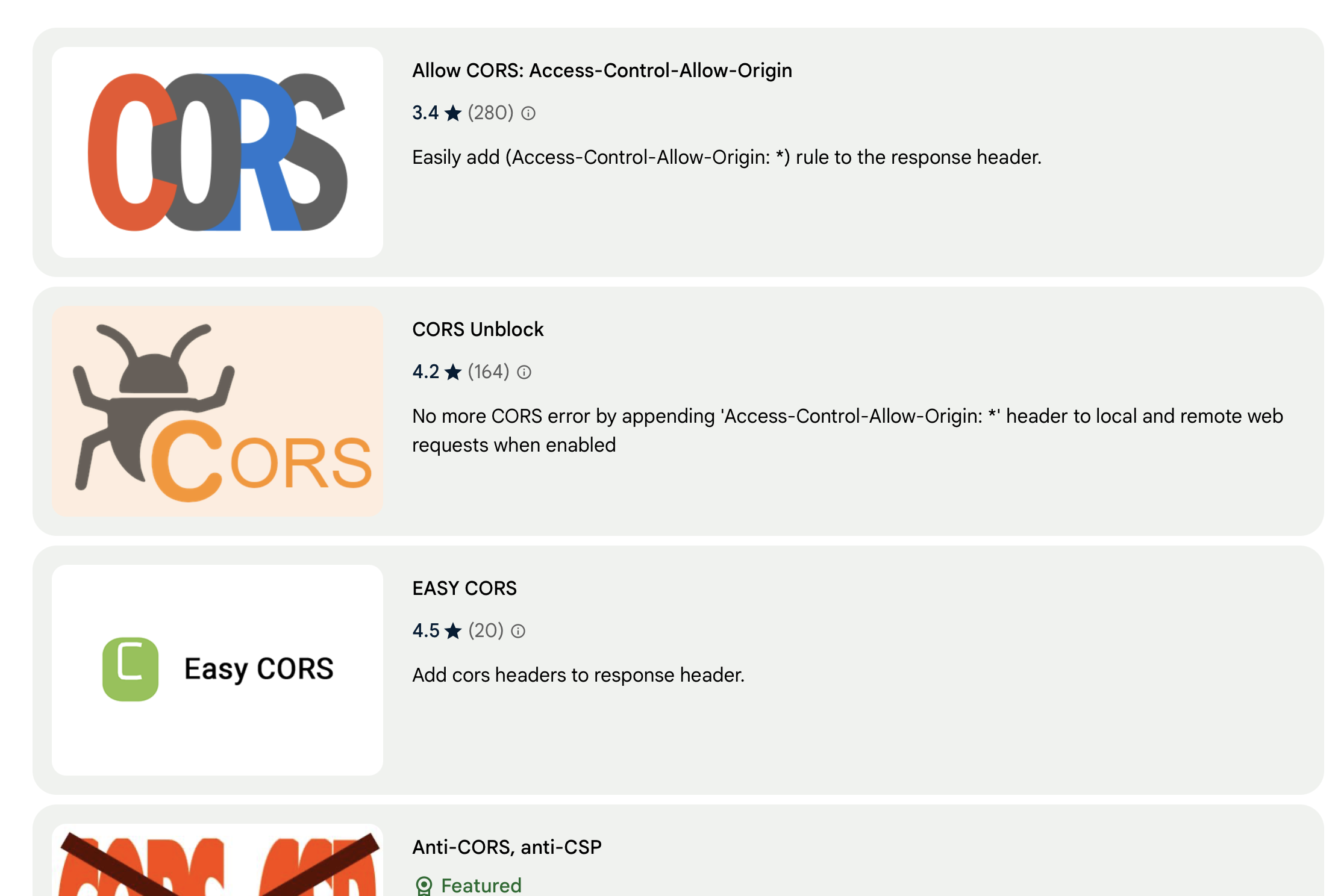 Browser extensions for unblocking CORS
This is a temporary solution that only works on your own machine during development. When your website visitors try to access your site, they’ll still encounter CORS errors because these fixes don’t work for end users in production.
Conclusion
Use Corsfix to instantly solve “No ‘Access-Control-Allow-Origin’ Header” errors. Understanding how CORS works is essential when working with third-party APIs, and knowing your options helps you choose the right solution.
Corsfix is free to get started, and you only need to upgrade when you go to production.