Corsfix Quick Start Guide

On This Page
In this guide, you’ll quickly learn how to solve CORS errors using Corsfix and integrate it into your website.
Your First Request
Install the Corsfix SDK with a script tag or from npm, then replace fetch with corsfix.fetch. It works exactly like the native fetch but sends the request through the proxy for you. No sign up needed. Here’s the code:
Script Tag
Add the script to your HTML page, and corsfix becomes available as a global:
<script src="https://unpkg.com/corsfix"></script><script> corsfix .fetch("https://api.example.com/data") .then((response) => response.json()) .then((data) => console.log(data));</script>NPM
If you’re using a bundler or framework like React, Vue, or Svelte, install the package:
npm install corsfixThen import it and call corsfix.fetch the same way you would call fetch:
import corsfix from "corsfix";
const response = await corsfix.fetch("https://api.example.com/data");const data = await response.json();console.log(data);
That’s it. Your request now goes through Corsfix, and the CORS error is gone. See the SDK documentation for all available options.
Free Tier
Corsfix works out of the box on both localhost and your live website, without signing up. The free tier covers small projects, with limits on monthly data transfer and concurrent users per domain.
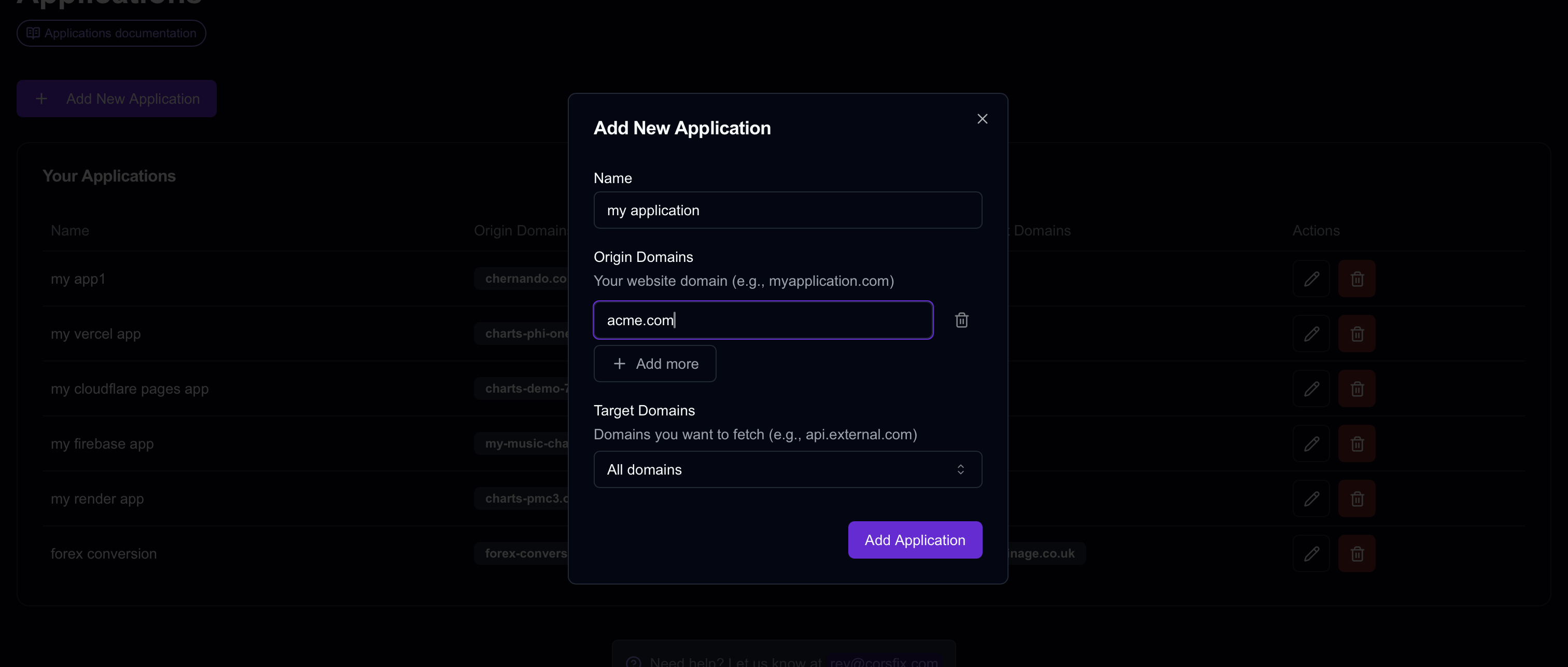
When you need more, add your website domain in the dashboard to raise the free allowance, or upgrade to a paid plan to remove the limits and unlock features like caching and secrets.
API Key
Normally you don’t need an API key to use Corsfix, since we automatically detect requests coming from your registered domain.
But if you can’t do the domain setup, you can use an API key instead, which you can access from the dashboard. Pass it in the corsfix option:
corsfix.fetch("https://api.example.com/data", { corsfix: { apiKey: "cfx_12345678" },});Keep in mind that an API key used in client-side code is visible to anyone. You can find details about this in our API key documentation.
Conclusion
With Corsfix, you can quickly solve your CORS errors. Simply install the SDK and replace fetch with corsfix.fetch.
You can find more details about Corsfix in our documentation, or explore features like caching, secrets, and more.